
A cookie measures ad performance. The page works the same either way.
1
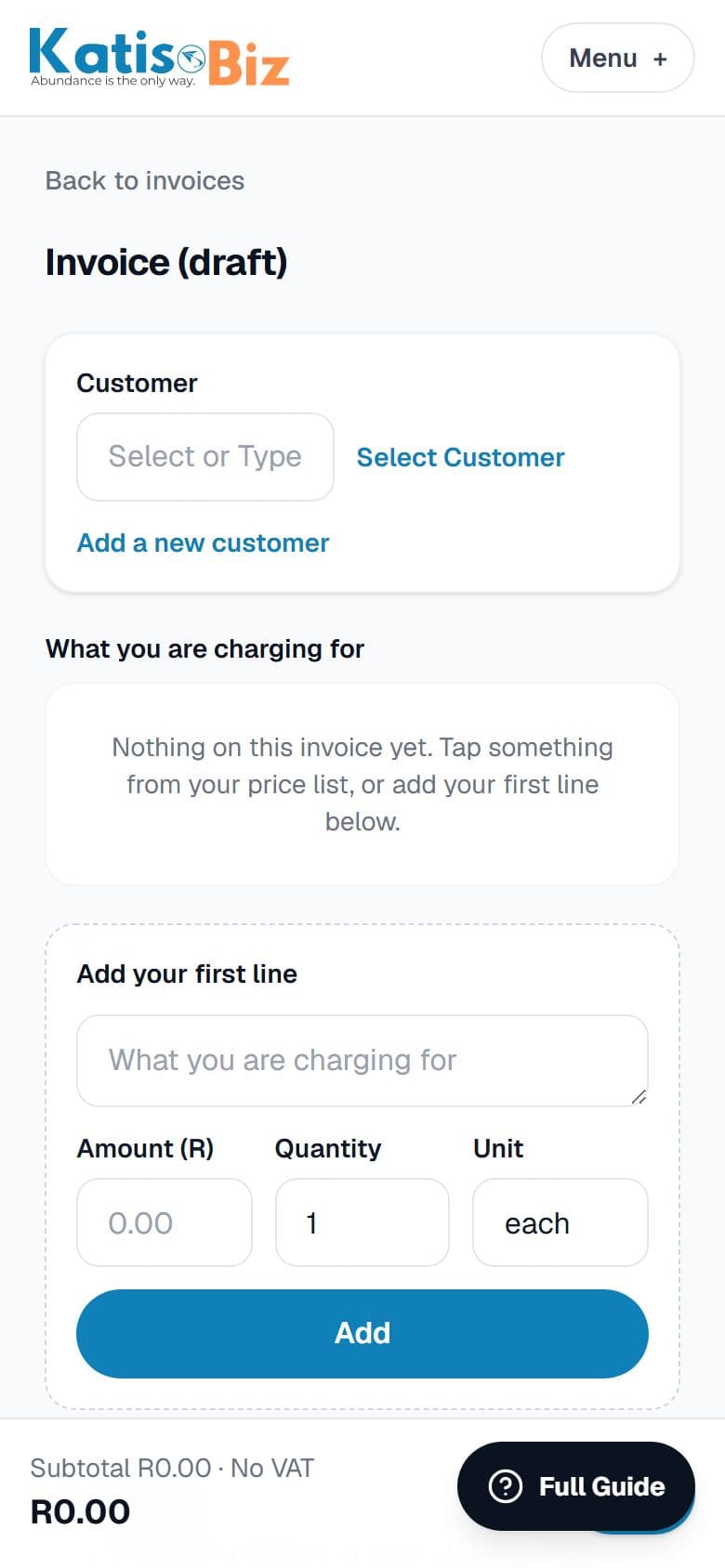
Press New invoice on your home screen or on Invoices. No quote for this job? This is where you start.
2
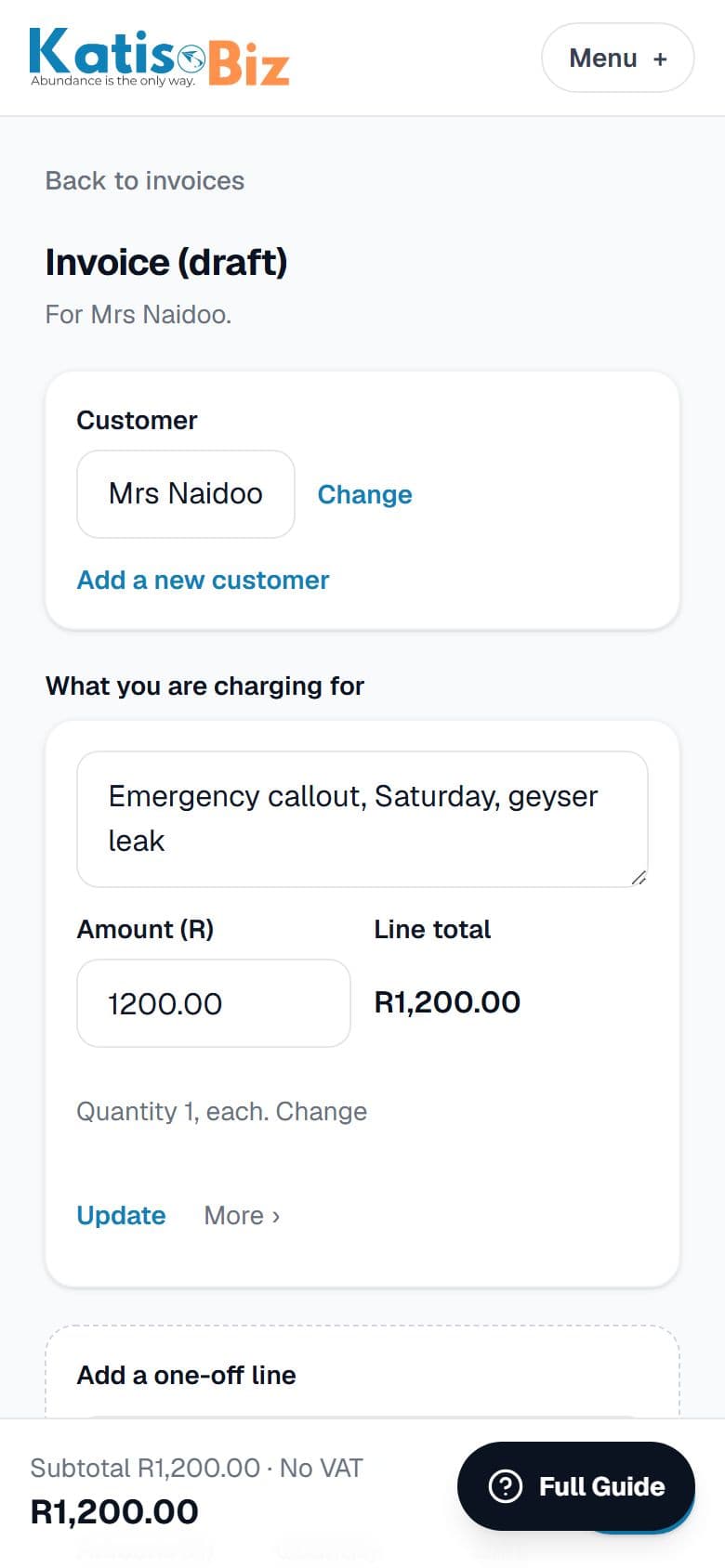
Choose the customer and add what you are charging for. Your banking details print on it automatically, with the invoice number as the payment reference.
3
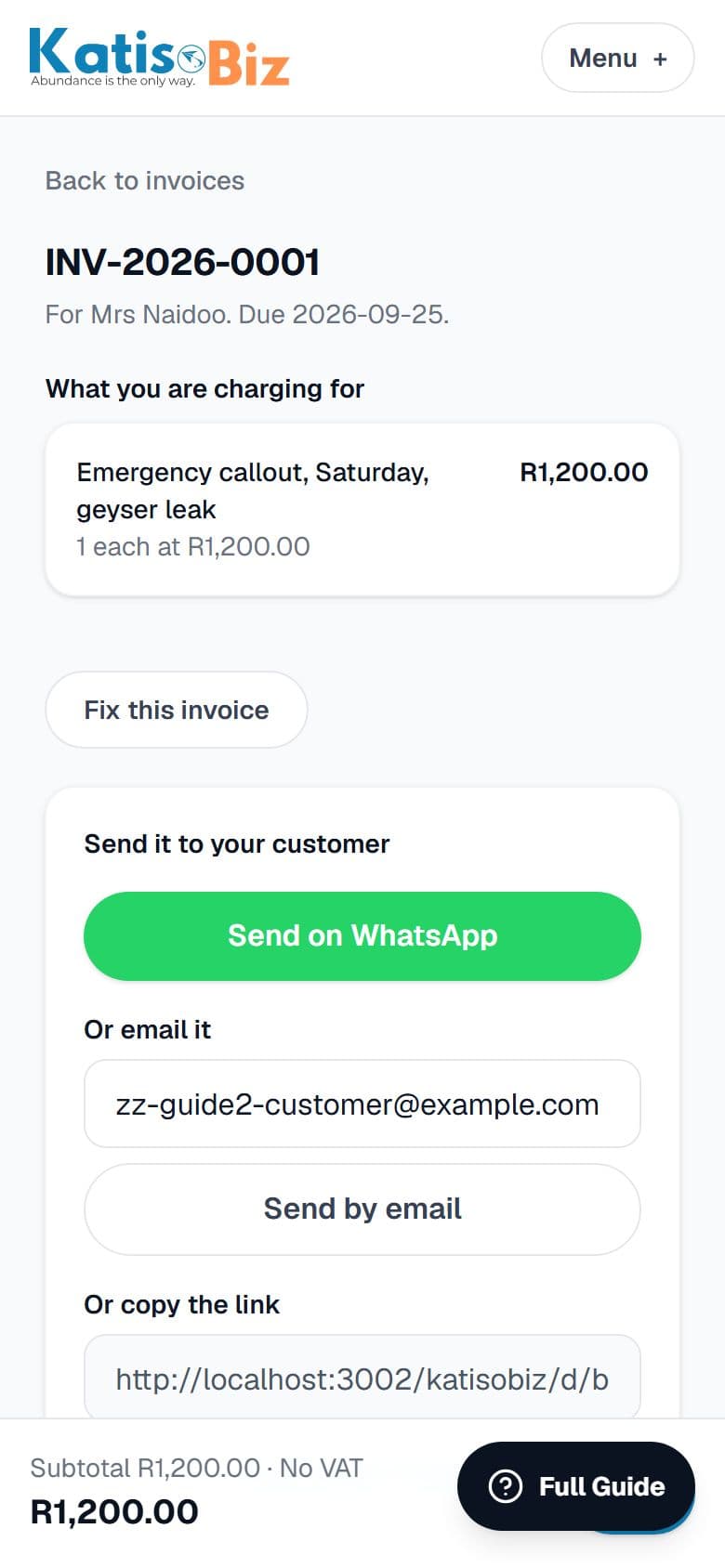
Press Issue this invoice, then send it the same way as a quote. Once issued the amounts cannot be edited, which is what SARS expects.
Already have a quote for this job? Open it and press Turn into invoice instead. Nothing is retyped.