
A cookie measures ad performance. The page works the same either way.
1
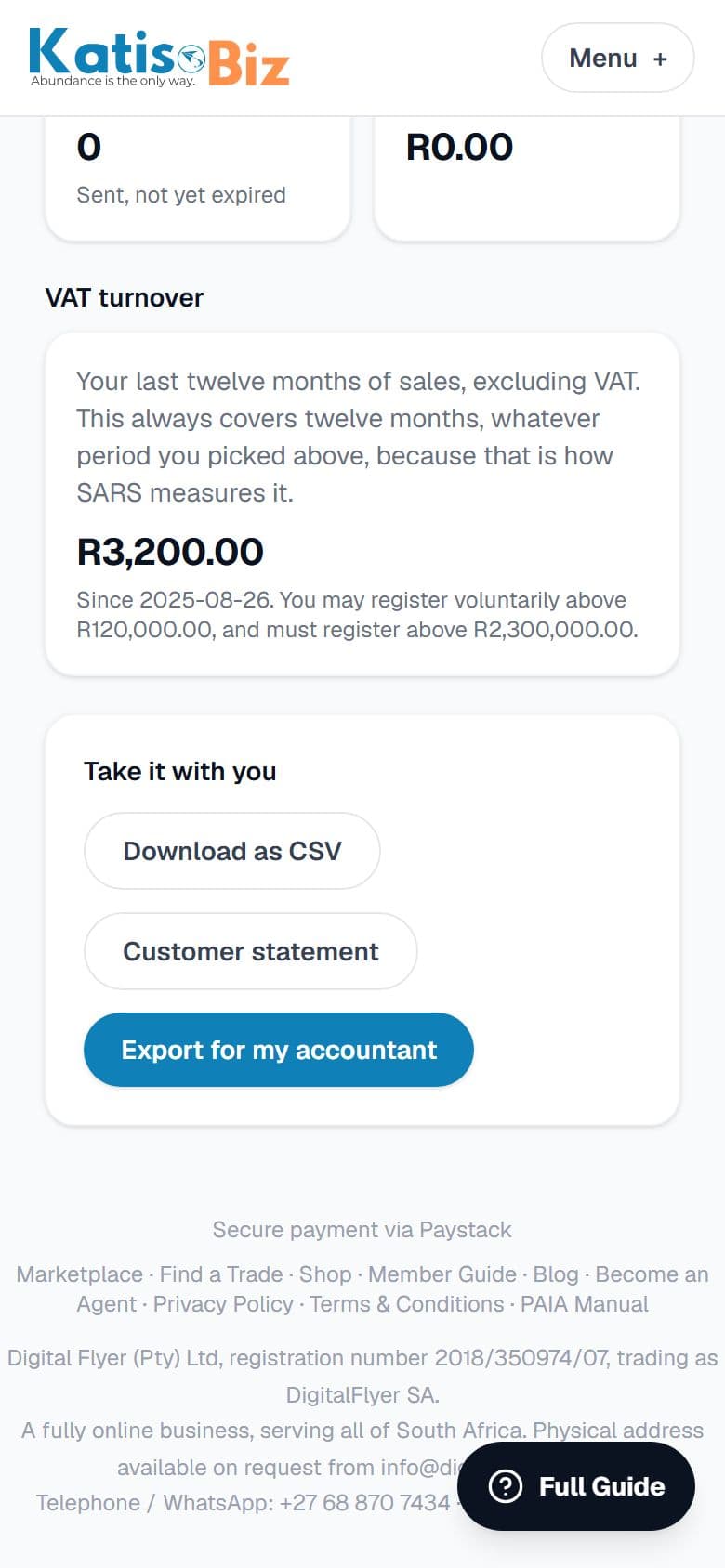
Go to Reports, then Customer statement.
2
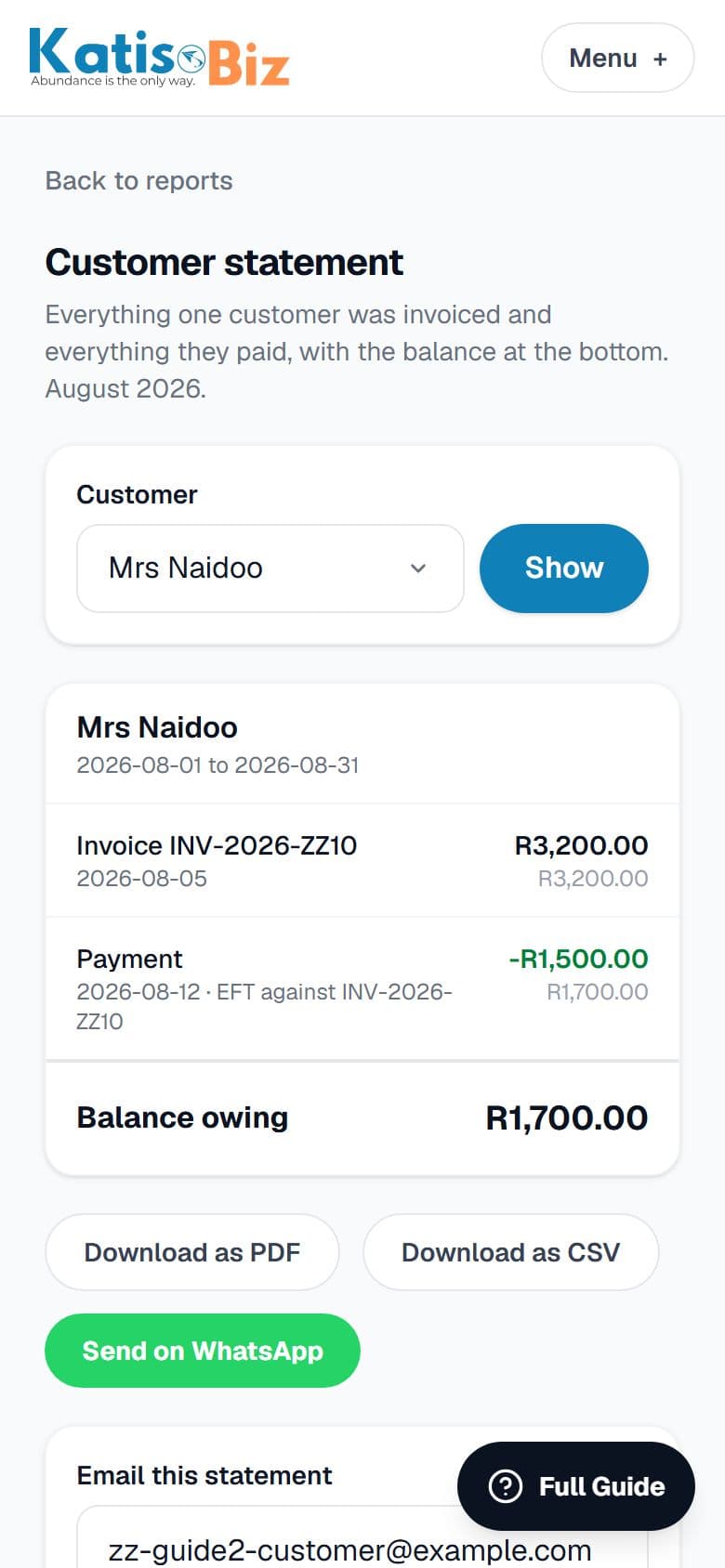
Pick who and which period, and it lists every invoice, every payment and the balance owing. Download it as a PDF or CSV, send it on WhatsApp, or email it straight from there.
For a big invoice, a part payment, or a month end, this is what to send rather than chasing by phone.