A cookie measures ad performance. The page works the same either way.
1
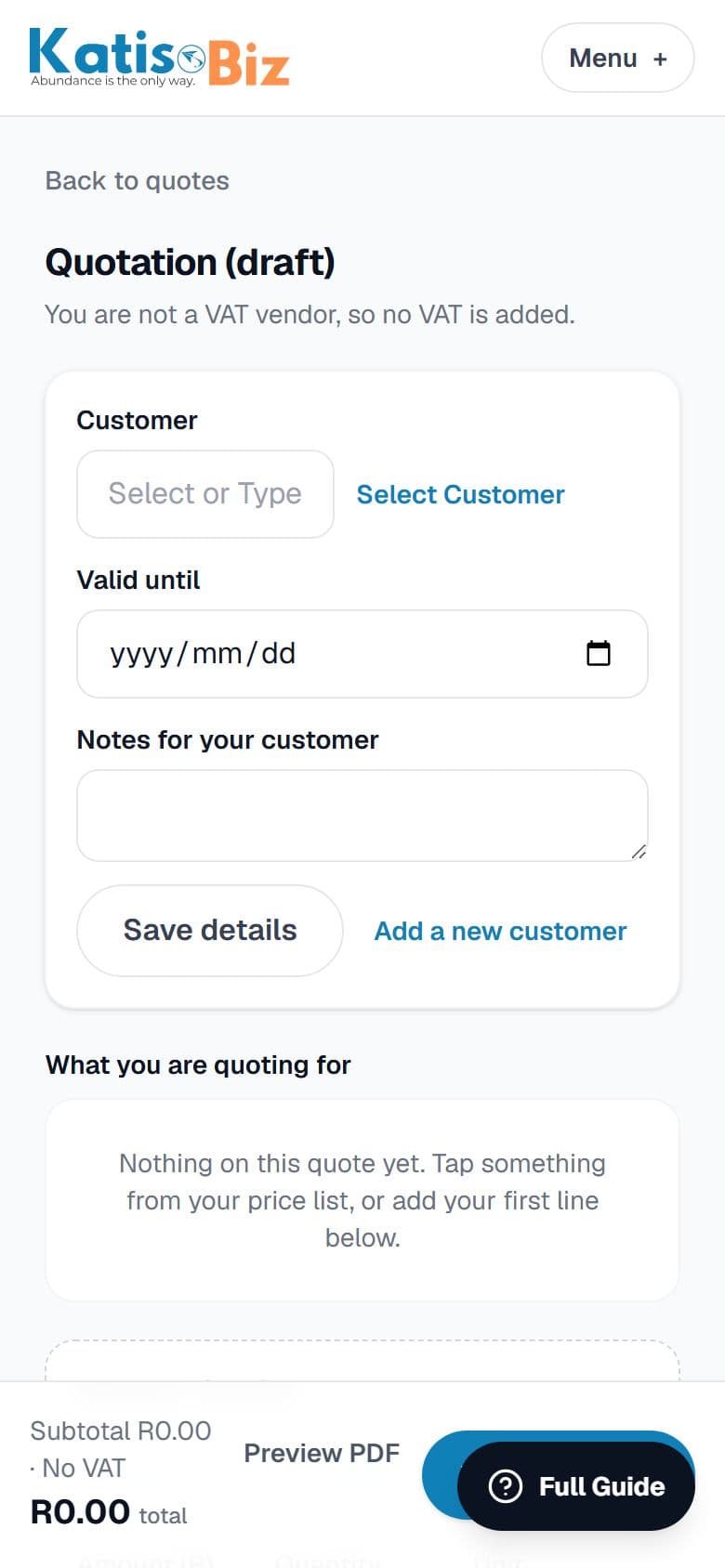
Press New quote on your home screen or on Quotes.
2
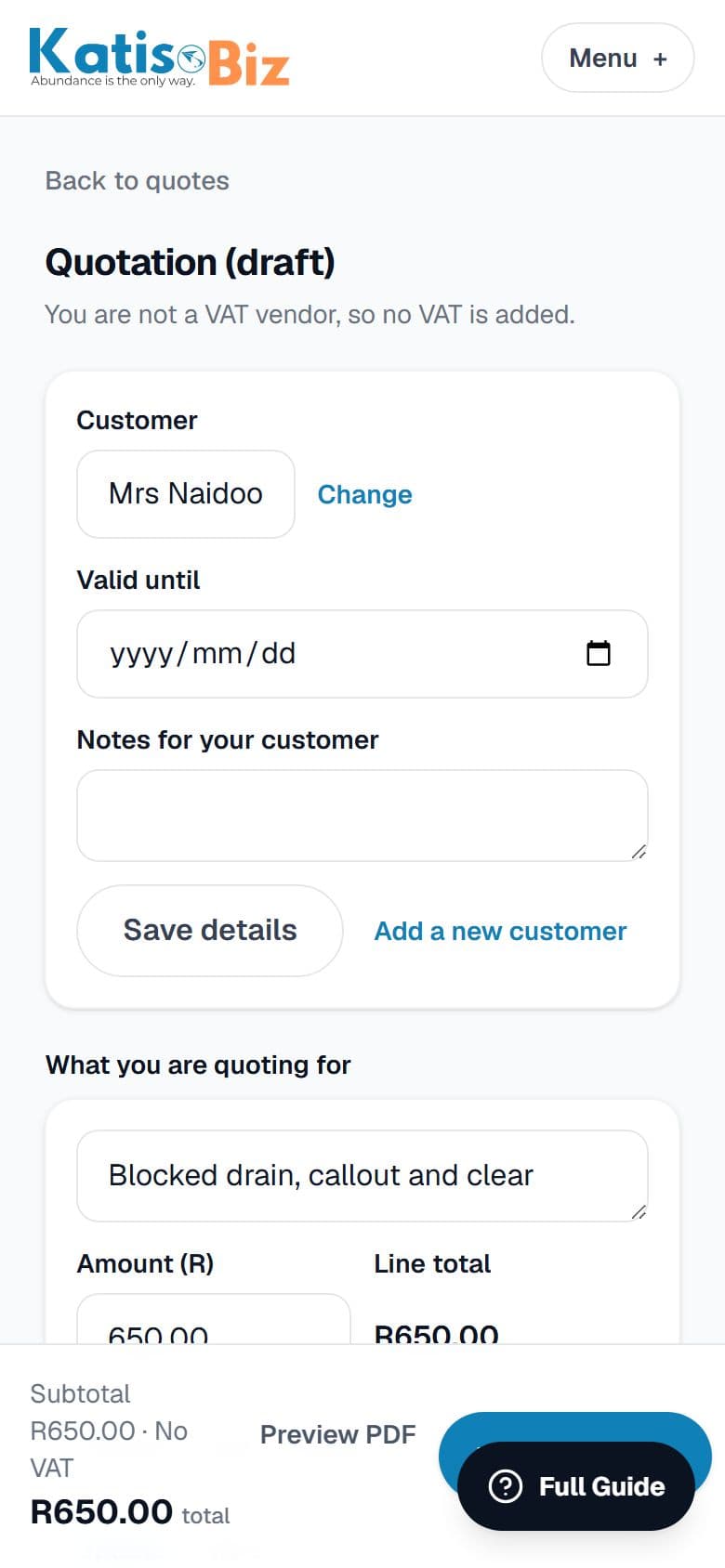
Choose the customer, or add a new one right there. Then add what you are charging for, from your price list or a one-off line. The total works itself out.
3
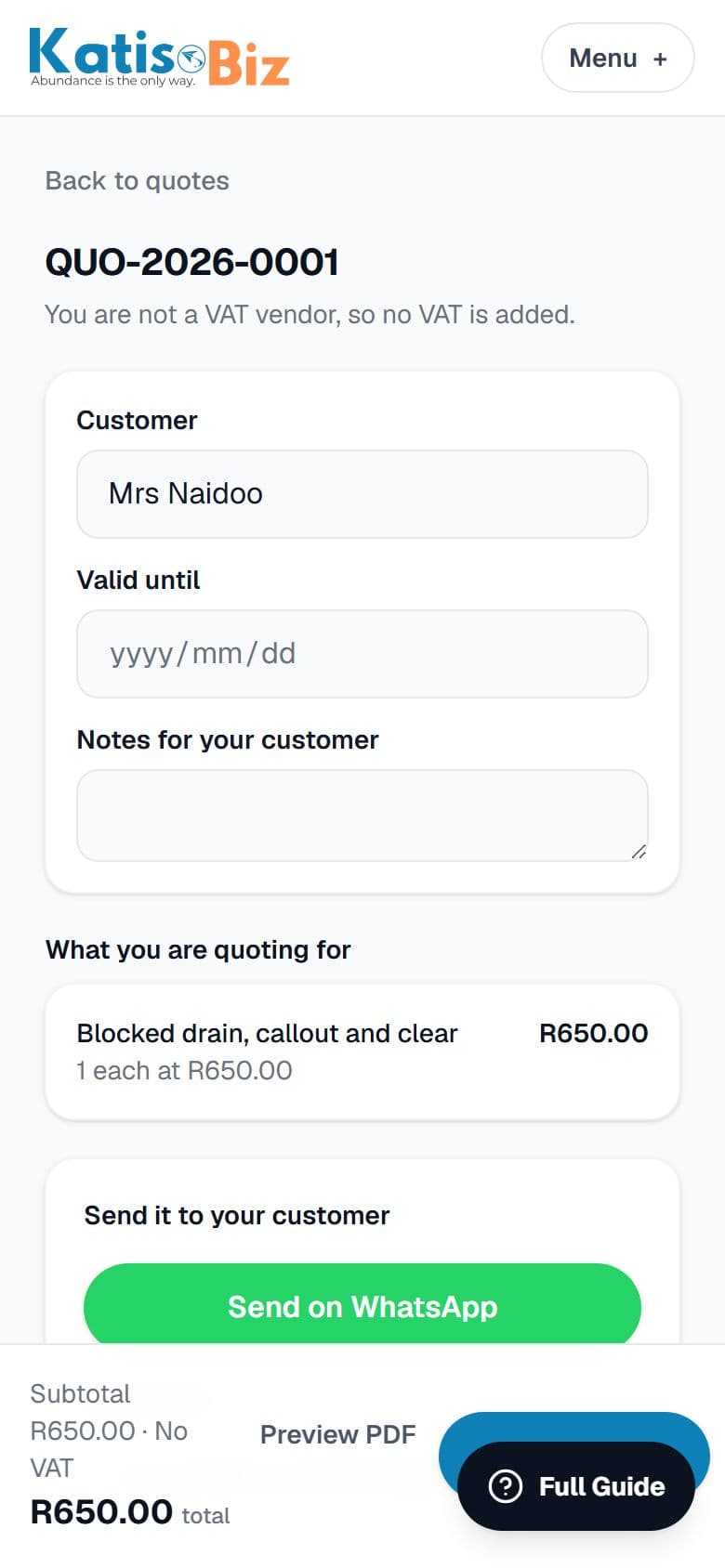
Press Issue this quote, then Send on WhatsApp or by email. Your own WhatsApp opens with the message and a link already written.